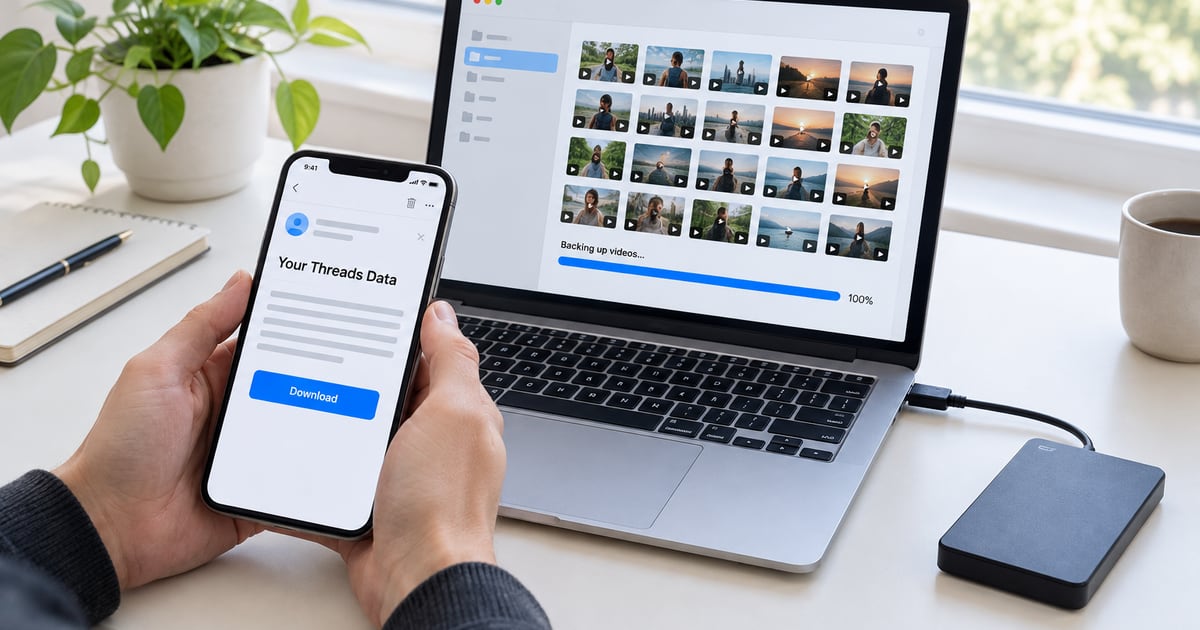
Most people think about backups the week after they needed one. A phone dies with the only copy of a clip, an account gets locked, or you clear out old posts in a bad mood and regret it on Sunday.
There are two sensible ways to keep your Threads posts, and they do different jobs. Meta's export covers everything but takes a while. A downloader grabs one post in seconds. Most people who post regularly will want both.
Do this before you delete anything
Meta's help page says content you have already deleted from Threads is not included in the file. So if you are planning a clean-up, request the export first, wait for it to arrive, and check it before you remove a single post.
Route one: ask Meta for your data
You can request this from the Threads app:
- Open your profile and tap the menu in the top right.
- Tap Account, then Download data.
- Follow the prompts. Meta sends an email titled “Your Threads Data” with a link to the file.
Meta says the email can take up to 30 days, so this is a poor plan for the night before you delete your account. Menu names also shift between app versions. If you can't find the option, look in Accounts Center under your information and permissions.
When the link arrives, download the file soon after. Then open it and play a video or two, so you find any problem while your posts are still online.
Route two: save the posts you care about
Everyone has a handful of posts they would really miss: the clip that did well, the one of a friend, the talk you gave. For those, paste the post link into the downloader and save the file. The file name includes the post ID, so repeat downloads stay easy to tell apart.
The tool also lets you copy the caption. Paste it into a note next to the file, because a video on its own loses the words you wrote with it, and in a year you may not remember why you posted it.
The two routes side by side
| Meta export | Saving single posts | |
|---|---|---|
| Works on | Your whole account, public or private | One public post at a time |
| How long it takes | Up to 30 days, according to Meta | A few seconds per post |
| What you get | A copy of your Threads data, delivered through an email link | One MP4, JPG or GIF, plus the caption to copy |
| Login needed | Yes, it is your account | No |
| Best for | A full archive you rarely open | The clips you want on your phone today |
Where to keep it
Keep at least two copies, and make sure they would not both die in the same accident. Your phone and your phone's cloud sync count as one copy for most purposes, since deleting from one often deletes from the other. A laptop folder plus an external drive, or a cloud drive you don't sync to your phone, is safer.
Name the folder by date, like threads-backup-2026-11. When you make a new export, you will know which one is current.
How often to bother
Twice a year is plenty for most people. If you post work on Threads or run a brand account, once a month is reasonable. Put it in your calendar now, because you won't remember otherwise, and start the export on the day you set the reminder.
Saving your own posts raises no rights questions. Other people's are a different matter, and the post on reposting someone else's video covers what you can do with those.